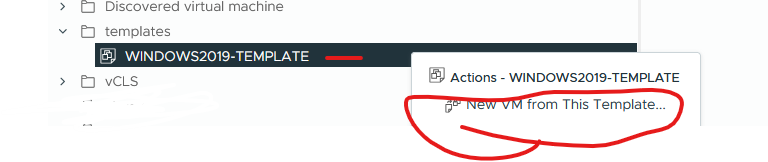
High-Level Steps:
- Convert the template to a Virtual machine
- Snapshot virtual machine for safe restore
- Power on the Virtual machine
- Update VMware Tools, windows patches or anything else you need to update on image
- sysprep the virtual machine – if not using another method such as VM customization specifications
- Convert the Virtual machine back to a template
- Test template
Step1:
Right click template > select convert to virtual machine
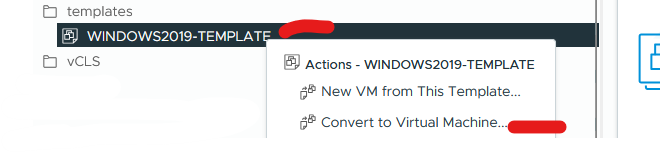
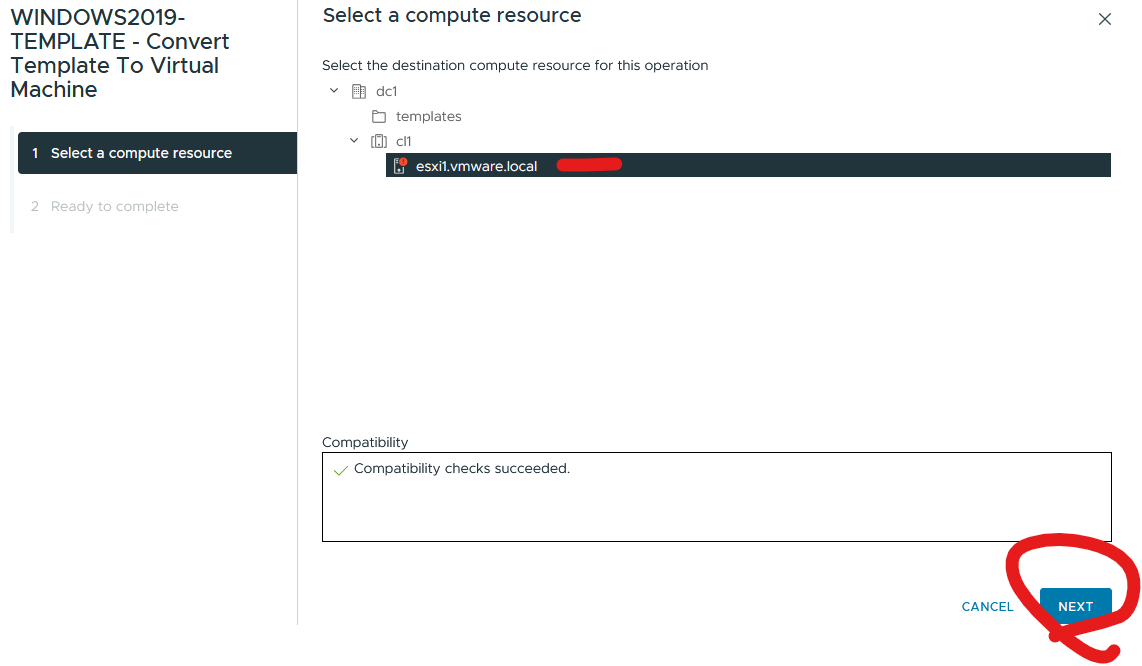
Select resource location (cluster or esxi host) > click next
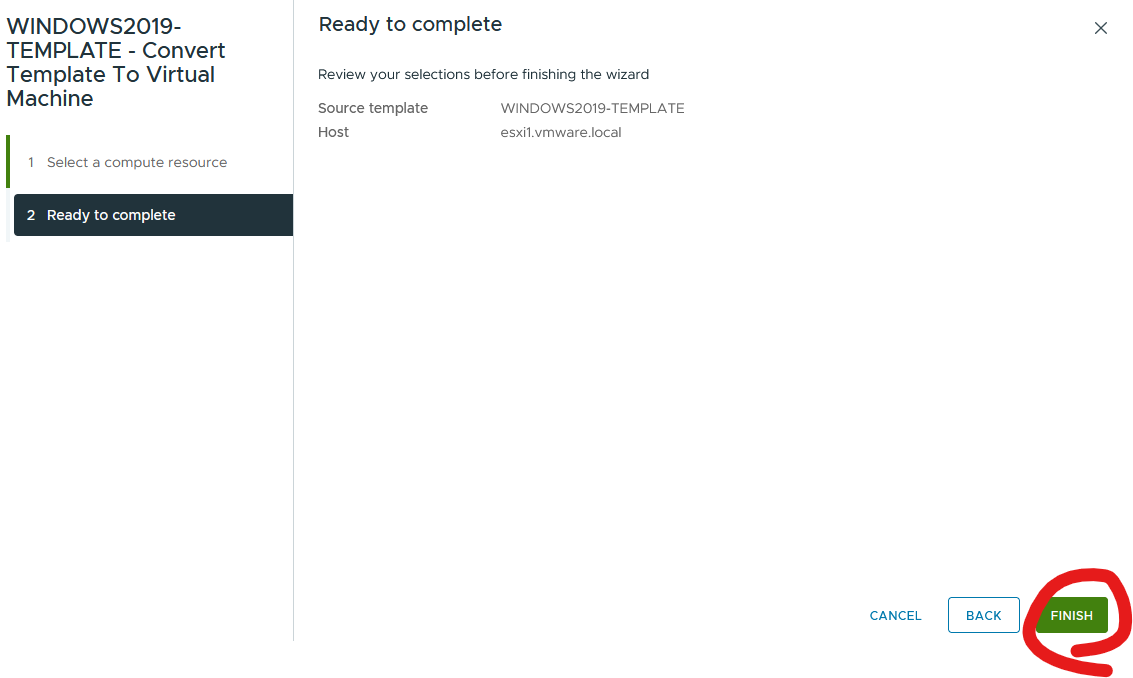
Click Finish
Step2:
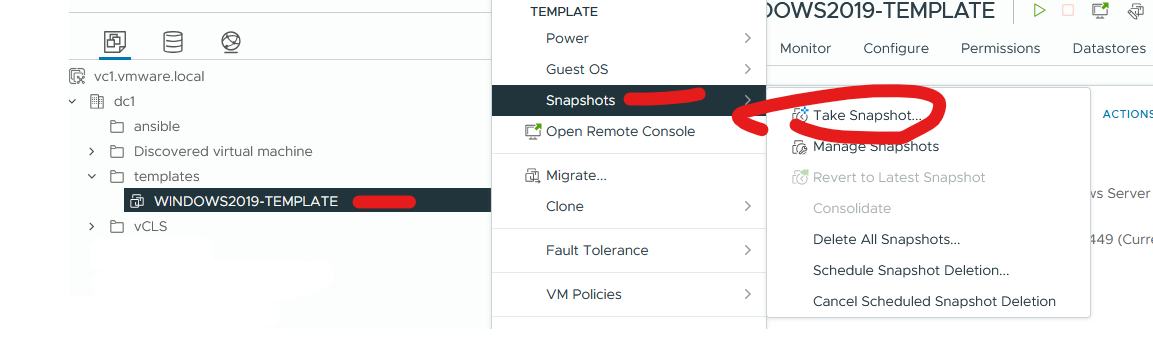
Right click virtual machine > click take snapshot
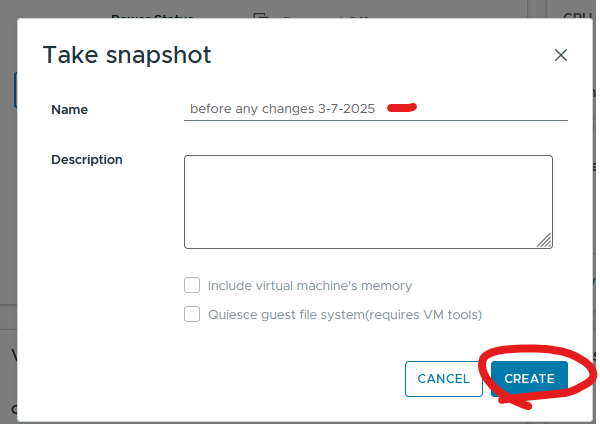
Give it a name and date > click create
Step3:
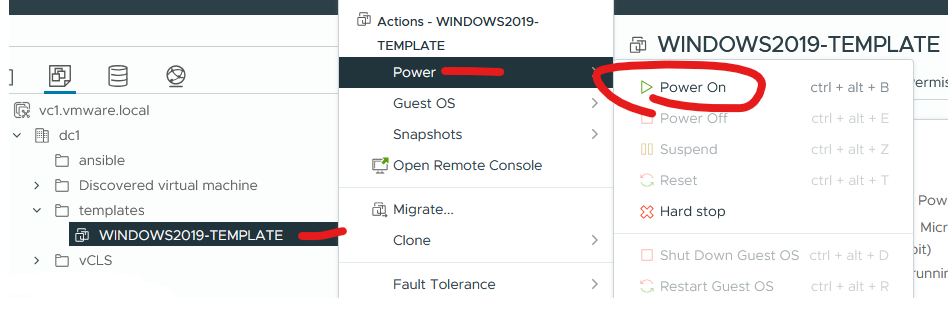
Right click virtual machine and click power on
Step4:
Making changes to your machine
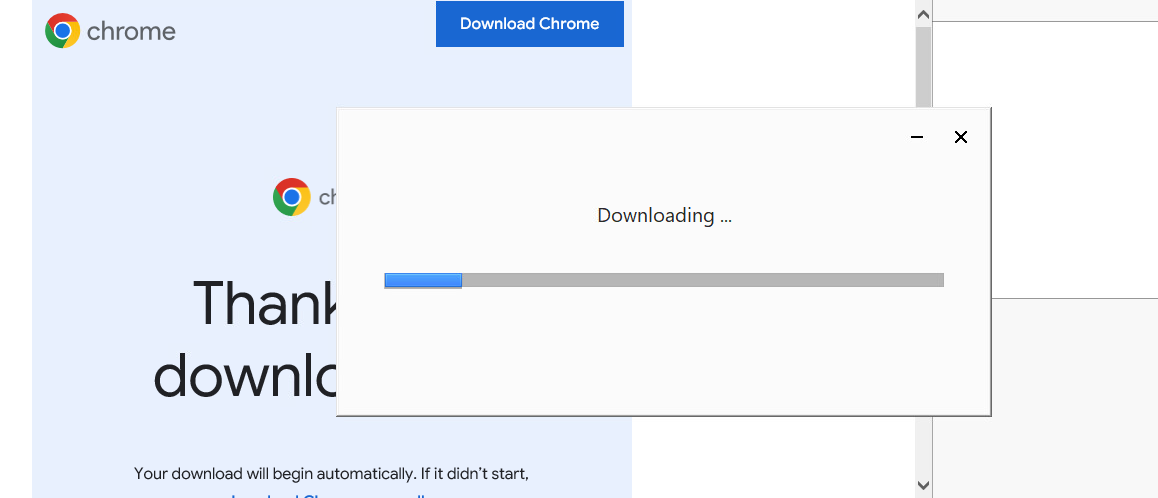
I am installing software chrome as an example
Step5:
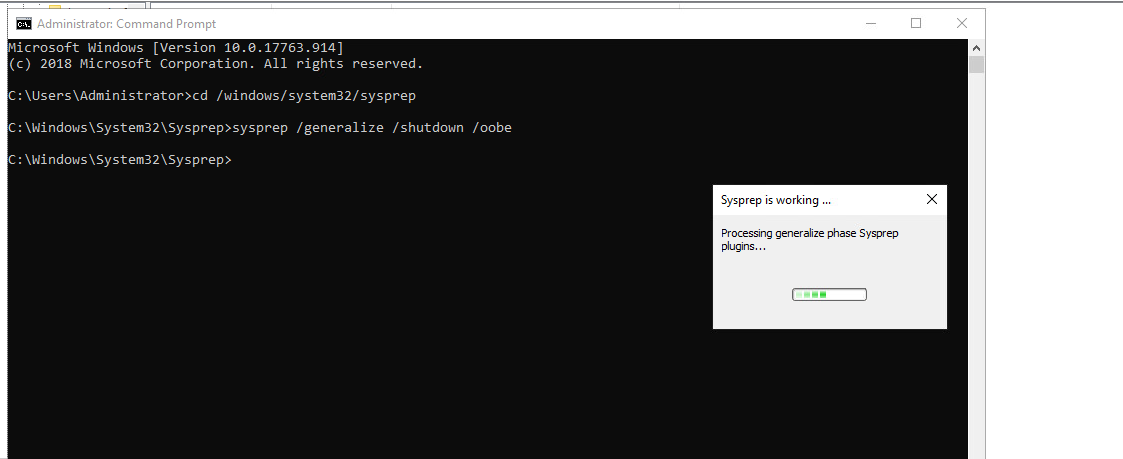
Run sysprep
From command prompt run
cd c:\windows\system32\sysprep
sysprep.exe /generalize /shutdown /oobe
Step 6:
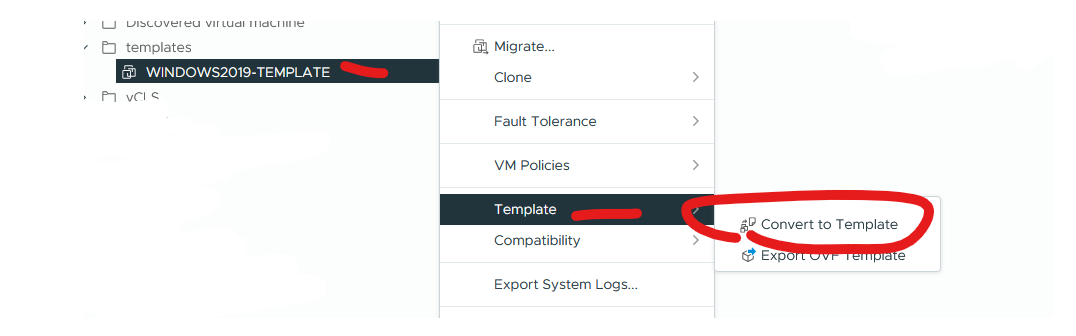
Right click virtual machine > covert to template
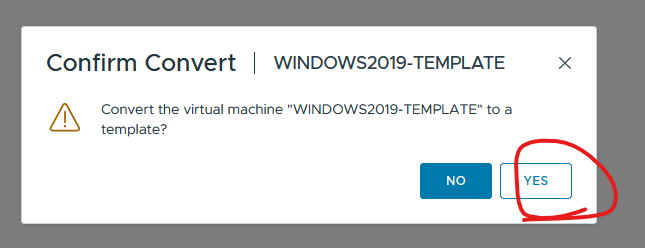
Click yes

Step7:
Test deployment to ensure working.
Right click template and click new vm from this template